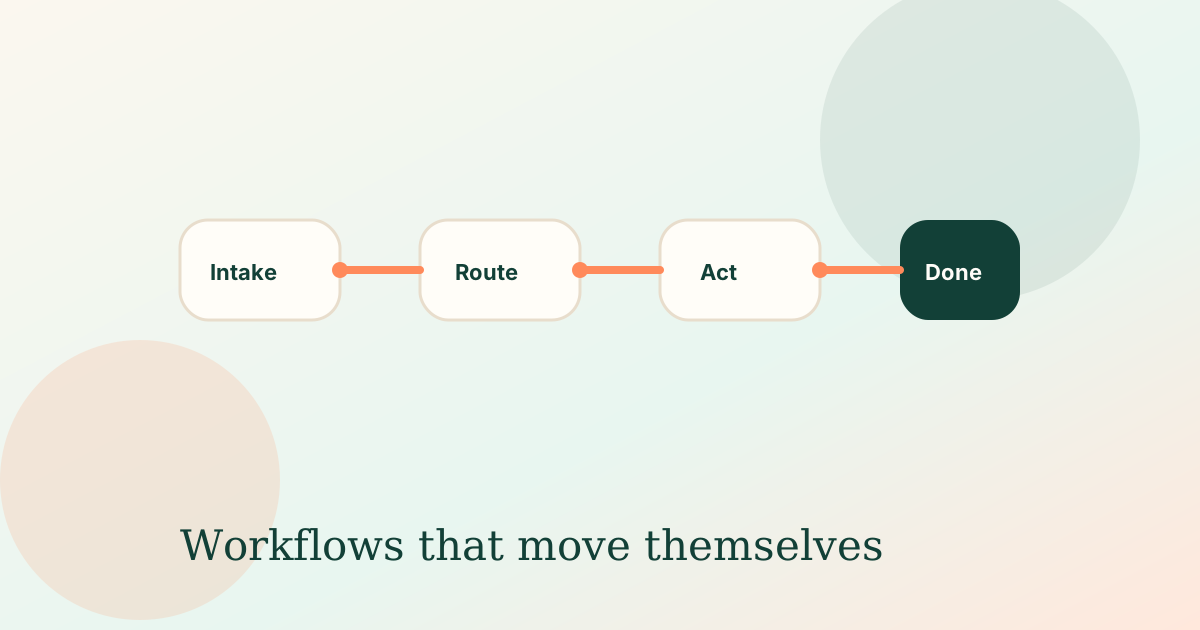
Illustration of a multi-step business workflow running automatically

AI automation guide

What to Automate in a Rental Platform Before Adding More Features

A practical way to improve a rental management platform by automating intake, reminders, and status updates before building more screens.

More features are not always the answer

Rental management software can become busy very quickly. More screens do not always reduce work if the same people still chase documents, update statuses, and copy information between places.

Automation is most useful when it reduces the routine work behind the interface.

Strong automation candidates

Start with repeatable flows that tenants, owners, managers, or applicants already trigger.

  • Application completeness checks
  • Maintenance request categorisation
  • Document collection reminders
  • Booking and availability sync

Build trust into the workflow

Rental workflows can involve money, access, disputes, and sensitive information. Automation should prepare and route the work, while people approve exceptions and important decisions.

Common questions

What does this guide cover?

A practical way to improve a rental management platform by automating intake, reminders, and status updates before building more screens.

What should we automate first?

Practical first moves include: Application completeness checks; Maintenance request categorisation; Document collection reminders; Booking and availability sync. Start with one clear intake path and measure time saved.

How should we start with Hyper Vector?

Rental workflows can involve money, access, disputes, and sensitive information. Automation should prepare and route the work, while people approve exceptions and important decisions. Hyper Vector usually begins with one workflow pilot so you can prove value quickly.

Will automation replace our team?

No. Hyper Vector designs automation to remove repetitive admin while keeping human review for sensitive or high-stakes decisions.

Related service: Ops Tools & Integrations