Lead management
Qualify new enquiries, ask smart follow-up questions, and prepare clean handoffs before a lead goes cold.
Useful for web forms, inboxes, CRM updates, quotes, and after-hours response.
Learn more about lead managementFriendly AI systems for busy teams
BridgeVector designs simple AI helpers for leads, documents, and operations. No theatre, no giant platform pitch, just useful tools that give your team breathing room.
Today's helper
live sketch12h
admin saved weekly
1
workflow to begin
What we make
Choose one repetitive workflow. We design a clean assistant around it, then connect it to the places your team already works.
Qualify new enquiries, ask smart follow-up questions, and prepare clean handoffs before a lead goes cold.
Useful for web forms, inboxes, CRM updates, quotes, and after-hours response.
Learn more about lead managementScan long files, surface the important points, and queue sensitive work for human review.
A strong fit for legal, professional services, compliance, and document-heavy admin.
Learn more about document triageConnect stock, bookings, spreadsheets, CRMs, and task lists so people stop copying data around.
Great for hire, logistics, service businesses, and admin-heavy teams.
Learn more about operational data systemsDesign a custom automation layer around your data, policies, approvals, and existing software.
For teams that need more than a chatbot or a generic automation template.
Learn more about bespoke ai architectureAbout BridgeVector
Most Australian businesses are held back by the repetitive: manual data entry, document sorting, lead chasing, and the little admin loops that quietly eat the week.
BridgeVector bridges the gap between powerful AI and practical business growth. We build custom helpers that sit inside your existing workflows, with simple guardrails and clear human review points where trust matters.
How it works
The goal is not to automate everything. It is to remove the work your team quietly complains about every week.
We watch how work actually moves through your business and find the smallest useful first win.
You get a plain-English map of the workflow, the guardrails, and what success should look like.
We create the helper, connect it to your tools, and keep human approvals where they matter.
After launch, we measure the handoffs and improve the bits that save the most time.
Proof points
The exact outcome depends on the workflow, but these are the kinds of practical gains we design around from day one.
Legal workflow
Document triage summarises incoming files, flags priority items, and keeps original sources close for review.
Lead workflow
After-hours enquiries receive helpful first replies, missing details are collected, and sales gets a cleaner handoff.
Operations workflow
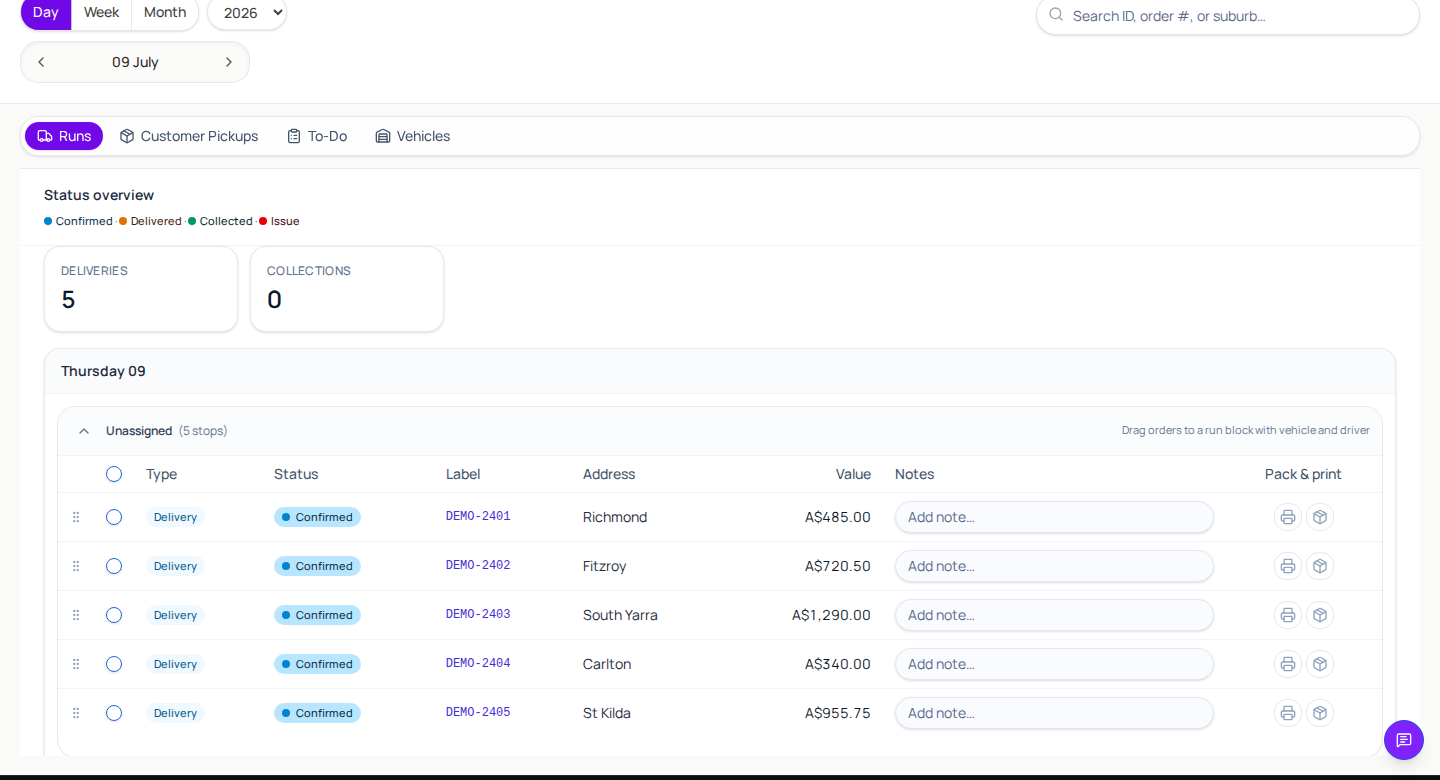
Bookings, availability, and task lists stay in sync without another spreadsheet becoming mission-critical.
Built in
Questions
A short first project should feel clear before anyone writes code.
BridgeVector designs around least-privilege access, clear data boundaries, and human review for sensitive actions. When needed, workloads can be scoped for Australian-region infrastructure and private business data is not used to train public models.
Usually not. BridgeVector works best as a layer between tools your team already uses, such as CRMs, inboxes, spreadsheets, booking systems, Xero-style accounting workflows, and practice management software.
Accuracy depends on the task, source material, and approval flow. For high-stakes work, BridgeVector uses human-in-the-loop review, confidence checks, and measured before/after outcomes instead of treating AI like a black box.
Many teams see useful time savings within weeks when the first workflow is narrow and repetitive. BridgeVector scopes around measurable baselines: hours saved, response time, fewer missed leads, or fewer manual handoffs.
BridgeVector focuses on practical Australian business workflows, proximity, and custom engineering. The goal is a tool your team can trust day to day, not a generic template sold at volume.
Start here
Send a quick note. We will reply with a small workflow idea, what it would connect to, and how we would test it.
Good first workflows
This checklist is just for exploration. No data is submitted until you choose to email us.